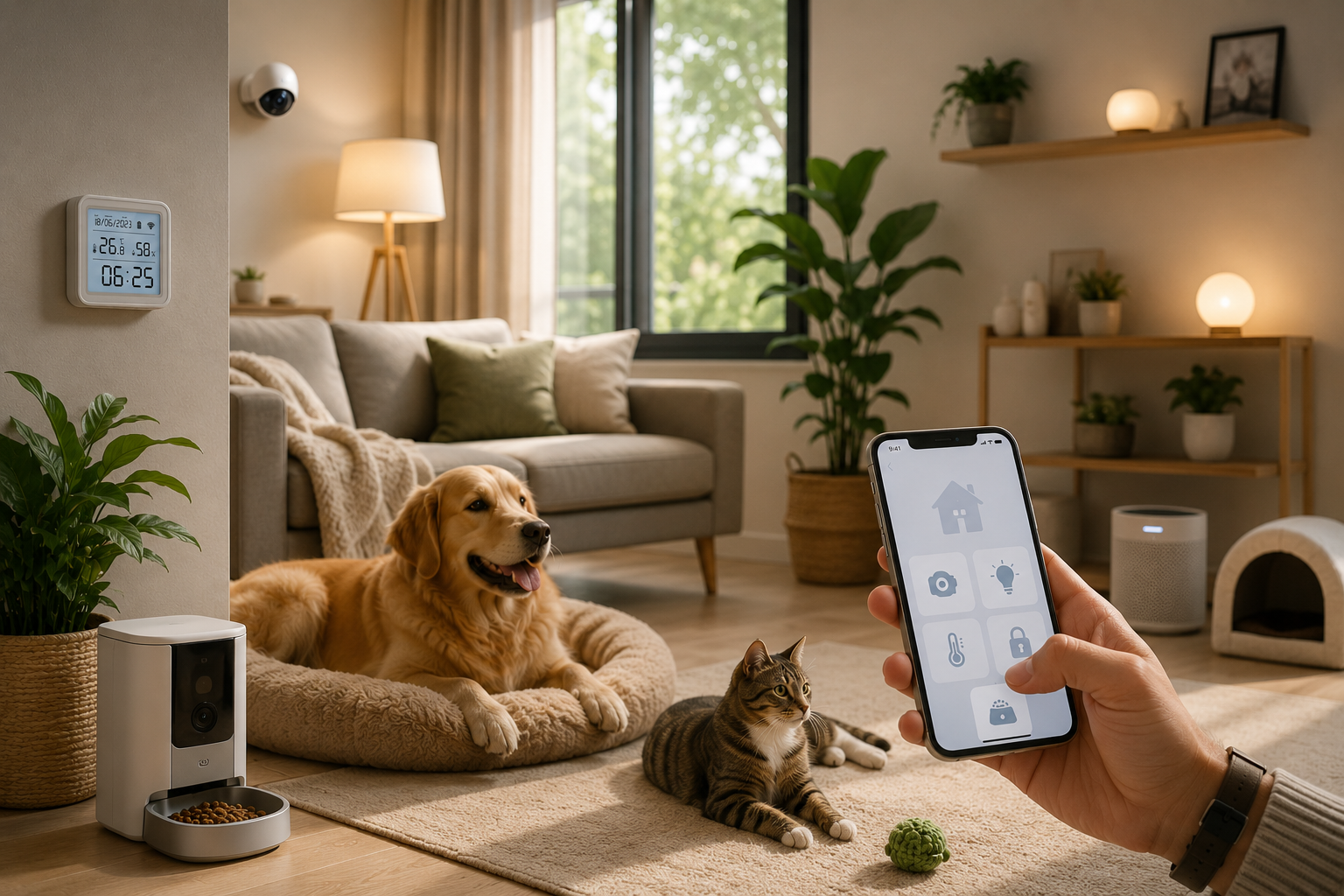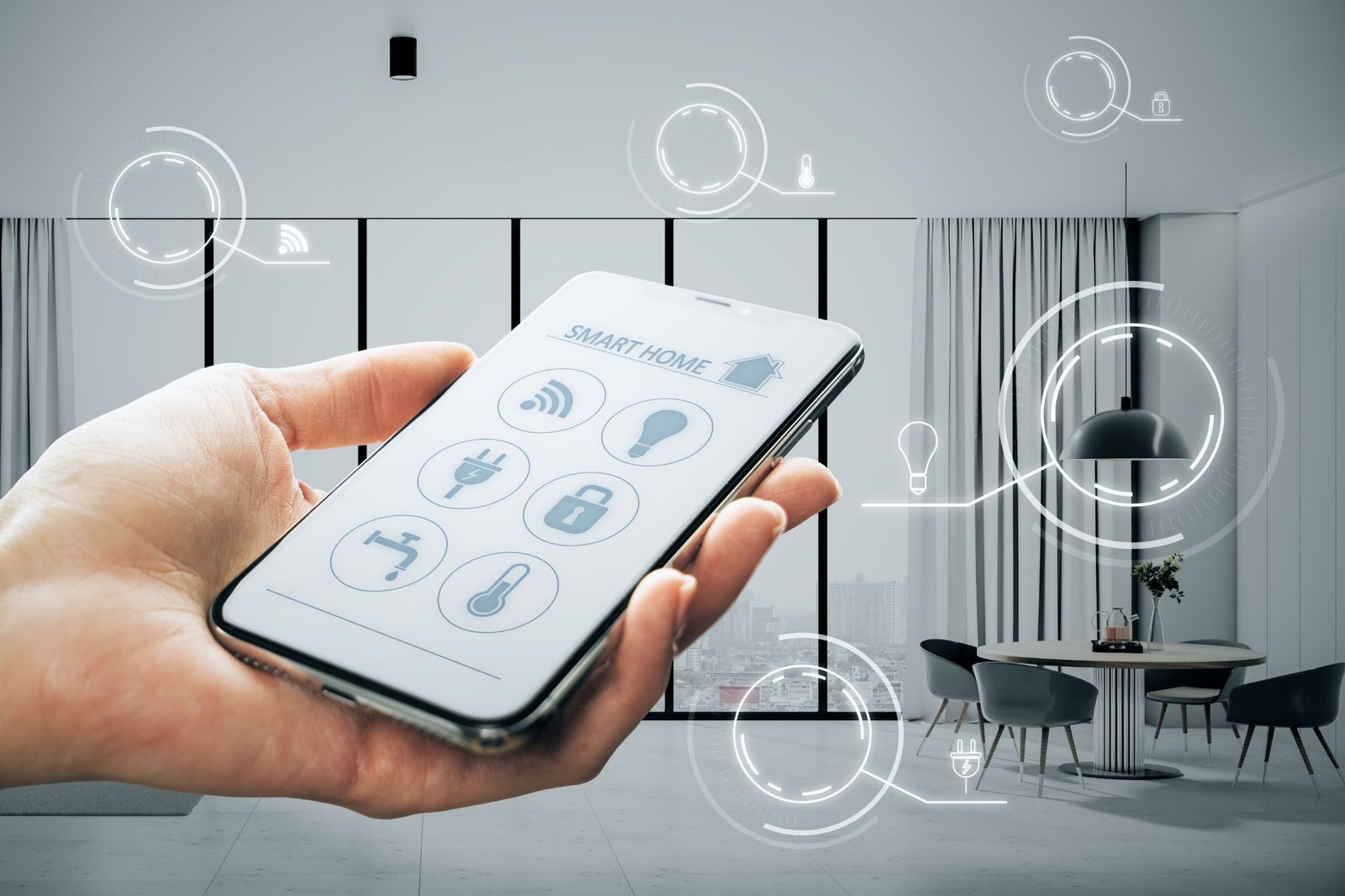
Smart home technology lets you control devices such as lights, door locks and security cameras from your phone. However, the process can look quite different depending on whether you install the devices yourself or hire a smart home technician.
Both options have their own costs and requirements, so the right choice depends on your budget, technical skills and what you want your smart home to do.
Build a smart home that fits your needs without the guesswork. Whether you are considering a DIY smart home setup or need professional assistance, contact AT Smart Home Singapore to explore your options.
DIY or Professional Installation: What to Expect
A DIY smart home setup gives homeowners control over their own installation. From selecting compatible devices to connecting them through mobile apps, every part of the process is handled independently.
Professional smart home installation, on the other hand, involves hiring a technician to manage the setup. This may include assessing the home’s requirements, installing connected devices, configuring the network and integrating different systems so they work together.
Depending on the project, the service may also cover more complex installations involving security cameras, smart locks and lighting controls.
The main difference comes down to who takes responsibility for the setup. With DIY, homeowners manage the installation and configuration themselves, while professional services provide technical support throughout the process.
DIY vs. Professional Setup: Which Costs More?
Cost is often one of the first things homeowners consider when choosing between DIY and professional smart home setup. While installing devices yourself can reduce labour expenses, the total cost still depends on the equipment and accessories needed.
With a DIY smart home setup, most expenses go towards purchasing devices, tools and installation accessories. Some systems may also require a smart home hub, Wi-Fi extender or other equipment to support device connectivity.
Although you save on professional fees, unexpected compatibility issues or installation mistakes may lead to additional expenses.
Professional smart home installation comes with the added cost of labour and service fees. Depending on the scope of the project, a quotation may include an initial home assessment, device installation, wiring and system configuration.
While this increases the upfront cost, it also covers the technical work involved in getting the system running.
The overall price of either option depends on the number of devices, the complexity of the system and any additional installation work required.
Rather than comparing device prices alone, consider the full cost of each setup to understand which option offers better value for your budget.
Do You Have the Skills and Time for a DIY Setup?
Your comfort level with technology plays a part in how easily you can manage a DIY smart home setup.
While many smart devices come with user-friendly apps and installation guides, connecting them to your home network and configuring their settings still requires some technical knowledge. If connection issues or device errors arise, you will also need to troubleshoot them yourself.
Other than technical skills, you also need to consider how much time you can commit to the setup. Installing a few smart plugs or bulbs may be straightforward, but managing several devices across different rooms involves more research, configuration and testing.
This can take up more time than expected, especially if you are unfamiliar with smart home systems.
If managing these tasks feels like too much work, professional installation may be a better fit. A technician can handle the technical aspects, leaving you with more time to focus on other priorities.
On the other hand, if you enjoy hands-on projects and are comfortable learning how different devices work, a DIY approach gives you the freedom to manage the setup at your own pace.
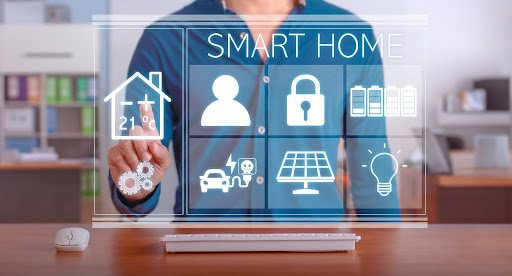
Does Your Home Need a Simple or Complex Setup?
The type and number of devices you want to connect can affect how much work your smart home setup involves. A few smart bulbs and plugs may only require a Wi-Fi connection and a mobile app, making them suitable for DIY installation.
However, a system that connects security cameras, smart locks, lighting controls and sensors across several rooms may involve more planning and configuration.
Device compatibility is another consideration, particularly when products come from different manufacturers. Not all smart home devices work with the same platforms or communication standards, so combining them may require additional equipment or configuration.
Your home’s existing network and electrical setup can also affect the installation. Devices placed far from the router may experience connection problems, while larger systems may need changes to improve Wi-Fi coverage.
Setups involving built-in lighting controls, electrical wiring or integrated security systems may also require specialised work that is better handled by qualified professionals.
Ultimately, a few compatible devices may be manageable through DIY installation, but a system involving multiple rooms, platforms or electrical work may benefit from professional assistance.
The more your setup needs to connect and work together, the more important it becomes to consider the technical requirements of your home.
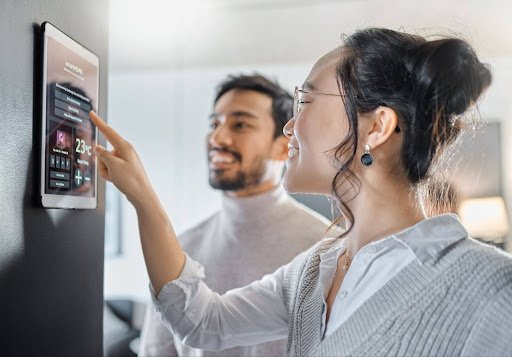
What Happens After Your Smart Home Is Set Up?
Getting your smart home system up and running is only part of the process, as connected devices still need software updates, maintenance and occasional troubleshooting.
With a DIY smart home setup, these responsibilities fall on you, while professional installation services may include technical support or maintenance plans to help manage issues that arise after installation.
However, the level of support depends on the provider and the service package. Some professional installations include follow-up visits or warranties, while others cover only the initial setup.
This means the difference between DIY and professional installation can extend beyond the installation itself, particularly when technical issues arise later.
Security also plays a part in long-term smart home management. Devices such as smart locks, cameras and voice assistants may collect personal information or provide access to your home, so protecting your accounts and network is essential.
Strong passwords, multi-factor authentication and regular software updates help reduce security risks, regardless of who handles the installation.
As your needs change, you may also want to add devices or introduce new features to your existing system. This is where compatibility becomes important, as not all products work with every smart home platform.
A system that supports future upgrades can make it easier to expand your setup without replacing existing equipment.
Final Thoughts
Choosing between DIY and professional smart home setup depends on what you need from your system and how much involvement you want in the process.
A DIY approach may suit homeowners who want to manage their own installation and keep labour costs down, while professional services offer support for setups that involve multiple devices, system integration or electrical work.
Neither option is the right fit for every home. What matters is finding a setup that matches your budget, technical confidence and long-term plans. By weighing these factors, you can choose a smart home solution that works with your needs and gives you room to expand as those needs change.
Build a smart home that fits your needs without the guesswork. Whether you are considering a DIY smart home setup or need professional assistance, contact AT Smart Home Singapore to explore your options.
PARTNERS IN CREATING SMART LIVING SPACES
















See How We’ve Transformed Homes
Our satisfied clients reflect the quality of our work.
Their success stories speak for themselves – and yours could be next.
Say Hello To Smarter Living – Get in Touch
Why wait? Transform your home with ease. Our team is here to guide you from start to smart!
Frequently Asked Questions (FAQs) About Smart Security Camera & CCTV Installation in Singapore
How much does CCTV installation cost in Singapore?
The cost depends on the number of cameras, equipment specifications, cabling and installation complexity. Contact AT Smart Home today for a free quotation tailored to your property’s needs.
Is a wired or wireless security camera better?
Wired cameras may suit larger systems requiring consistent connectivity, while wireless cameras offer more flexible placement. Consider your network coverage, power supply, and installation needs.
Can I view CCTV footage on my phone?
Many smart cameras and IP camera systems support remote viewing through compatible mobile apps, provided the system is configured correctly and has the necessary connectivity.
Can smart security cameras work without Wi-Fi?
Some systems support local recording without Wi-Fi, but remote viewing and cloud features may not work. Check the camera’s specifications before purchasing.
Can security cameras connect to smart lights?
Some cameras support integration with compatible smart lights and sensors. Check device compatibility and available automation features before installation.