Smart switches are becoming a popular part of modern smart home systems, allowing homeowners to control lights and other compatible electrical devices more conveniently.
Unlike a traditional wall switch that only provides manual control, a smart switch can connect to a smartphone app, voice assistant, or smart home system. This allows you to control connected devices remotely, create schedules, and automate everyday routines.
But how does a smart switch work? In this guide, we explain how smart switches operate, the differences between Wi-Fi and Zigbee smart switches, wiring requirements, and how they can be integrated into your smart home.
Free Consultation Islandwide in Singapore
Need help with installing Smart Home Switch?
Book a Smart Switch Installation with AT Smart Home Today
What Is a Smart Switch?
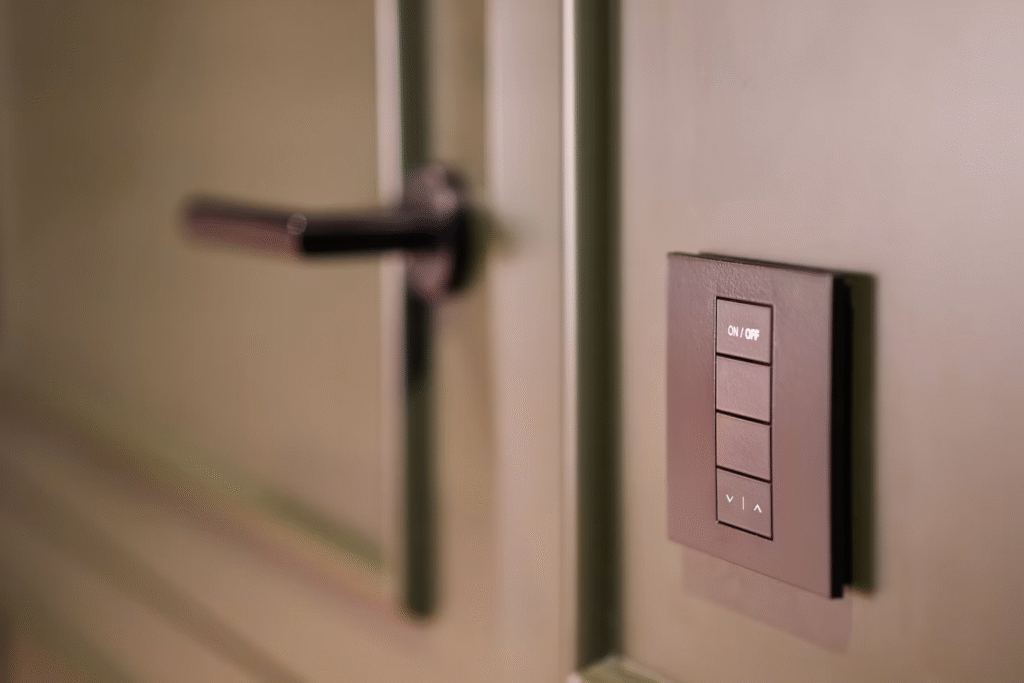
A smart switch is an electrical switch that controls the flow of electricity to a connected light, fan, water heater, or other compatible device.
Like a traditional switch, it allows you to manually turn the connected device on and off. However, a smart switch also includes wireless connectivity that allows it to communicate with smartphone apps, smart home hubs, voice assistants, and other compatible devices.
Depending on your smart home system, a smart switch can be controlled through:
- Physical wall controls
- Smartphone apps
- Voice commands
- Schedules and timers
- Sensors and automation routines
This allows homeowners to enjoy smart home automation while maintaining the convenience of physical wall controls.
How Does a Smart Switch Work?
A smart switch combines electrical control with wireless communication.
The basic process is:
User Command → Smart Home Network → Smart Switch → Connected Device
When you press the switch, use a smartphone app, give a voice command, or trigger an automation routine, the smart switch receives the instruction and controls the electrical circuit connected to the device.
1. You Send a Command
The process begins when the smart switch receives a command.
This could happen when you:
- Press the physical switch
- Tap a button in a smartphone app
- Give a voice command
- Activate a schedule or timer
- Trigger an automation through a sensor
For example, a motion sensor could detect someone entering a hallway and trigger the smart switch to turn on the lights automatically.
2. The Command Travels Through the Smart Home Network
Remote commands are transmitted through the communication network used by the smart switch.
Wi-Fi smart switches typically communicate directly with your home router, while Zigbee smart switches communicate through a compatible smart home hub or gateway.
The network allows commands to travel between your smartphone, smart home system, and smart switch.
3. The Smart Switch Processes the Command
Inside the smart switch is an electronic control module that receives and processes commands.
Once the instruction is received, the module determines whether the connected electrical circuit should be turned on or off.
The switch then performs the requested action.
4. The Connected Device Responds
The smart switch controls the electrical circuit supplying power to the connected device.
Depending on the type of smart switch and its electrical specifications, it may control:
- Lights
- Ceiling fans
- Water heaters
- Ventilation fans
- Other compatible electrical devices
Many smart switches can also update their status in the smartphone app, allowing you to check whether a connected device is currently switched on or off.
Wi-Fi vs Zigbee Smart Switches: How Do They Work?
Wi-Fi and Zigbee are two common communication protocols used by smart switches.
Wi-Fi Smart Switches
Wi-Fi smart switches connect directly to your home Wi-Fi router.
Commands from your smartphone or smart home platform travel through the Wi-Fi network to the switch. Because the switch connects directly to the router, a separate smart home hub is typically not required.
Wi-Fi smart switches may be suitable for homeowners who only plan to install a small number of smart devices.
Zigbee Smart Switches
Zigbee smart switches communicate through a compatible smart home hub or gateway.
The hub receives commands from the smartphone app or smart home system and communicates with the connected switches.
Compatible Zigbee devices can also form a mesh network, allowing devices to relay signals between one another. This makes Zigbee suitable for larger smart home systems with multiple connected devices.
| Feature | Wi-Fi Smart Switch | Zigbee Smart Switch |
| Connection | Directly to the Wi-Fi router | Through a Zigbee hub |
| Smart Home Hub | Usually not required | Required |
| Network | Wi-Fi network | Mesh network |
| Best Suited For | Smaller smart home setups | Larger integrated smart home systems |
The right option depends on your existing smart home ecosystem, the number of devices you plan to connect, and whether you intend to expand your smart home system in the future.
How Does a Smart Switch Work With or Without a Neutral Wire?
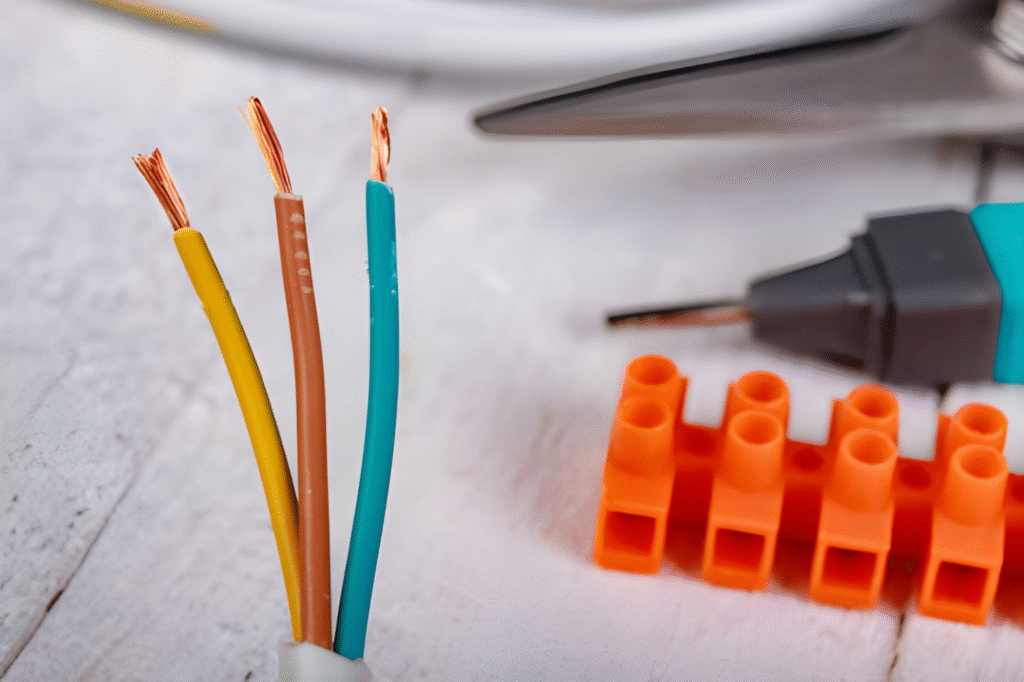
Smart switches require a small amount of continuous power to maintain their wireless connection and receive commands, even when the connected device is switched off.
A smart switch with a neutral wire has a continuous electrical path that allows its internal electronics to remain powered.
No-neutral smart switches are designed for homes where a neutral wire is unavailable at the switch location. Depending on the model and lighting setup, these switches may draw a small amount of current through the connected load to remain powered.
Some installations may require additional components to prevent problems such as flickering lights.
Because wiring configurations differ between properties, homeowners should check their electrical wiring and smart switch compatibility before installation.
How Does Smart Switch Automation Work?
One of the main advantages of smart switches is their ability to control connected devices automatically.
Instead of manually pressing the switch every time, homeowners can create schedules, scenes, and automation routines.
Schedules and Timers
Smart switches can operate at specific times or for predetermined periods.
For example, you could:
- Turn outdoor lights on at sunset
- Switch off selected lights at bedtime
- Turn on a water heater before shower time
- Automatically switch off devices after a set period
Sensors and Automation Triggers
Compatible sensors can automatically trigger smart switches when certain conditions are met.
For example:
Motion Detected → Hallway Lights Turn On
No Motion Detected → Lights Turn Off
Door Opens → Entrance Lights Activate
Smart Home Scenes
Smart home scenes allow multiple devices to respond to a single command.
For example, activating a “Good Night” scene could switch off the lights, close the smart curtains, and turn off selected appliances simultaneously.
How Do Smart Switches Work With Voice Assistants?
Compatible smart switches can be integrated with voice assistants, allowing you to control connected devices through voice commands.
The basic process is:
Voice Command → Voice Assistant → Smart Home System → Smart Switch → Connected Device
For example, you could ask your voice assistant to turn off the living room lights or activate a smart home scene without using a smartphone or pressing a wall switch.
Do Smart Switches Work Without Wi-Fi or Internet?
Whether a smart switch continues to work without Wi-Fi or internet access depends on the device and smart home system.
Physical wall controls generally continue to work because the switch can still control the connected electrical circuit.
Some smart home systems also support local control, allowing compatible devices and automation routines to operate within the home network without an internet connection.
However, remote smartphone access, cloud-based features, and some voice assistant functions may become unavailable when the internet connection is down.
Homeowners should check whether their chosen smart home system supports local control if they want important automation routines to continue operating during internet outages.
What Devices Can Smart Switches Control?
Depending on their design and electrical specifications, smart switches can control different devices around the home, including:
- Lights and lighting zones
- Ceiling fans
- Water heaters
- Ventilation fans
- Other compatible electrical devices
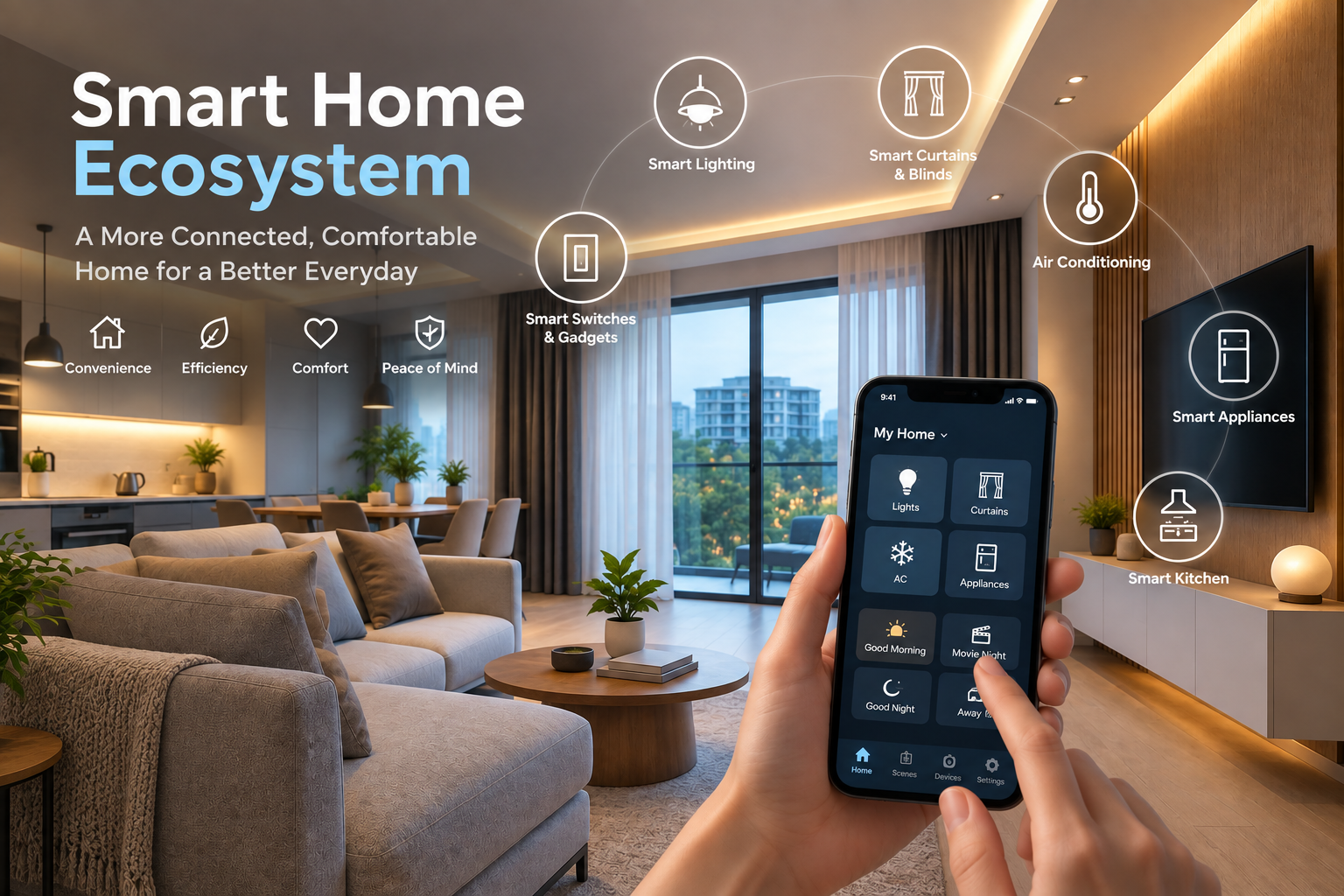
Smart switches can also work alongside smart curtains, blinds, sensors, and appliances through an integrated smart home system.
Before installation, homeowners should ensure that the smart switch is compatible with the electrical load and type of device being controlled.
Why Is Professional Smart Switch Installation Important?
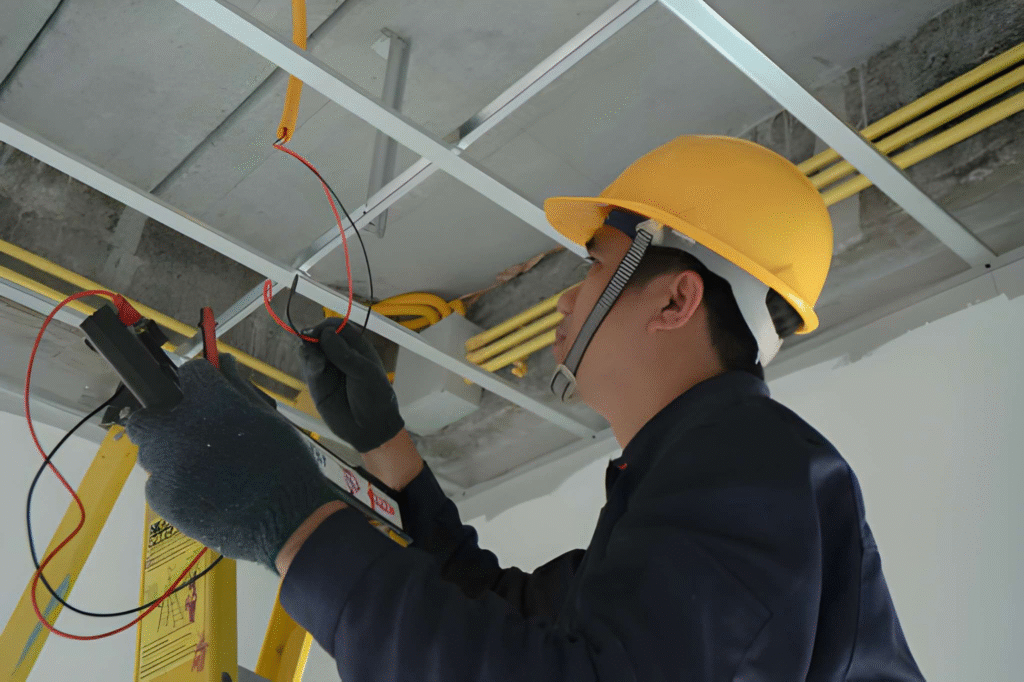
Installing a smart switch involves working with your home’s electrical wiring, and different properties may have different wiring configurations.
Not every smart switch is compatible with every electrical device or smart home system.
Professional installation can help ensure that the smart switches are suitable for your existing wiring, properly installed, and correctly integrated with other smart home devices.
A smart home installer can also assist with configuring smart home hubs, automation routines, scenes, and device integrations.
Professional planning is particularly useful when installing multiple smart switches as part of a larger home automation system.
Understand How Smart Switches Work With AT Smart Home
Smart switches combine electrical control, wireless communication, and home automation to provide a more convenient way to manage lights and other compatible devices around your home.
Understanding how smart switches work can help you choose suitable devices, avoid compatibility issues, and plan a smart home system that can expand as your needs change.
AT Smart Home provides smart home solutions in Singapore, including smart switch installation, system configuration, and integration with smart lighting, curtains and blinds, appliances, sensors, and other compatible devices.
Whether you are installing your first smart switch or planning an integrated smart home system, contact AT Smart Home today for a consultation and discover how home automation can make everyday living more convenient.
Frequently Asked Questions About Smart Switches
How does a smart switch work?
A smart switch receives commands through physical controls, smartphone apps, voice assistants, schedules, or automation systems. It processes the command and controls the electrical circuit connected to a light or other compatible device.
Does a smart switch need Wi-Fi?
Not necessarily. Wi-Fi smart switches connect directly to a Wi-Fi network, while Zigbee smart switches communicate through a compatible hub or gateway.
Why do some smart switches need a neutral wire?
Smart switches require continuous power to maintain wireless connectivity and process commands. A neutral wire provides an electrical path that allows the switch’s internal electronics to remain powered.
Can smart switches work when the internet is down?
Physical wall controls generally continue to work. Some smart home systems also support local control and automation, while remote access and cloud-based features may require an active internet connection.
Can I still control a smart switch manually?
Yes. Most smart switches retain physical buttons or touch controls, allowing them to operate like conventional wall switches.