Gaming setups today are no longer just about powerful PCs, high-refresh-rate monitors, and comfortable chairs. Many gamers are now upgrading their spaces with smart home technology to create a more immersive and convenient environment. From RGB lighting and voice commands to automated curtains and climate control, a smart gaming room can transform your gaming experience.
With a smart home gaming setup, you can control your lighting, ambience, and comfort with a single command or automation scene. Imagine saying “Start Gaming Mode” and instantly watching the lights dim, curtains close, and your room transform into the perfect gaming environment.
If you’re looking to build the ultimate gaming setup, here are some fun and practical smart home ideas for gamers.
What Is a Smart Gaming Room?
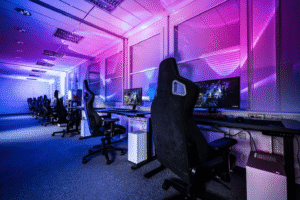
A smart gaming room is a gaming space enhanced with connected smart devices and automation. These devices can be controlled through a smartphone app, voice assistant, or automation routines.
Instead of manually adjusting multiple settings before gaming, everything can be triggered automatically.
Common features of a smart gaming room include:
- RGB smart lighting
- voice-controlled gaming scenes
- smart curtains or blinds
- smart fans or climate control
- automated lighting routines
With automation, gamers can create a fully customized environment that enhances immersion, comfort, and convenience.
RGB Smart Lighting for an Immersive Gaming Atmosphere
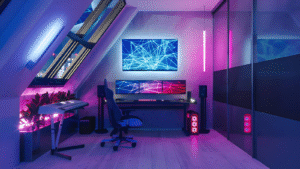
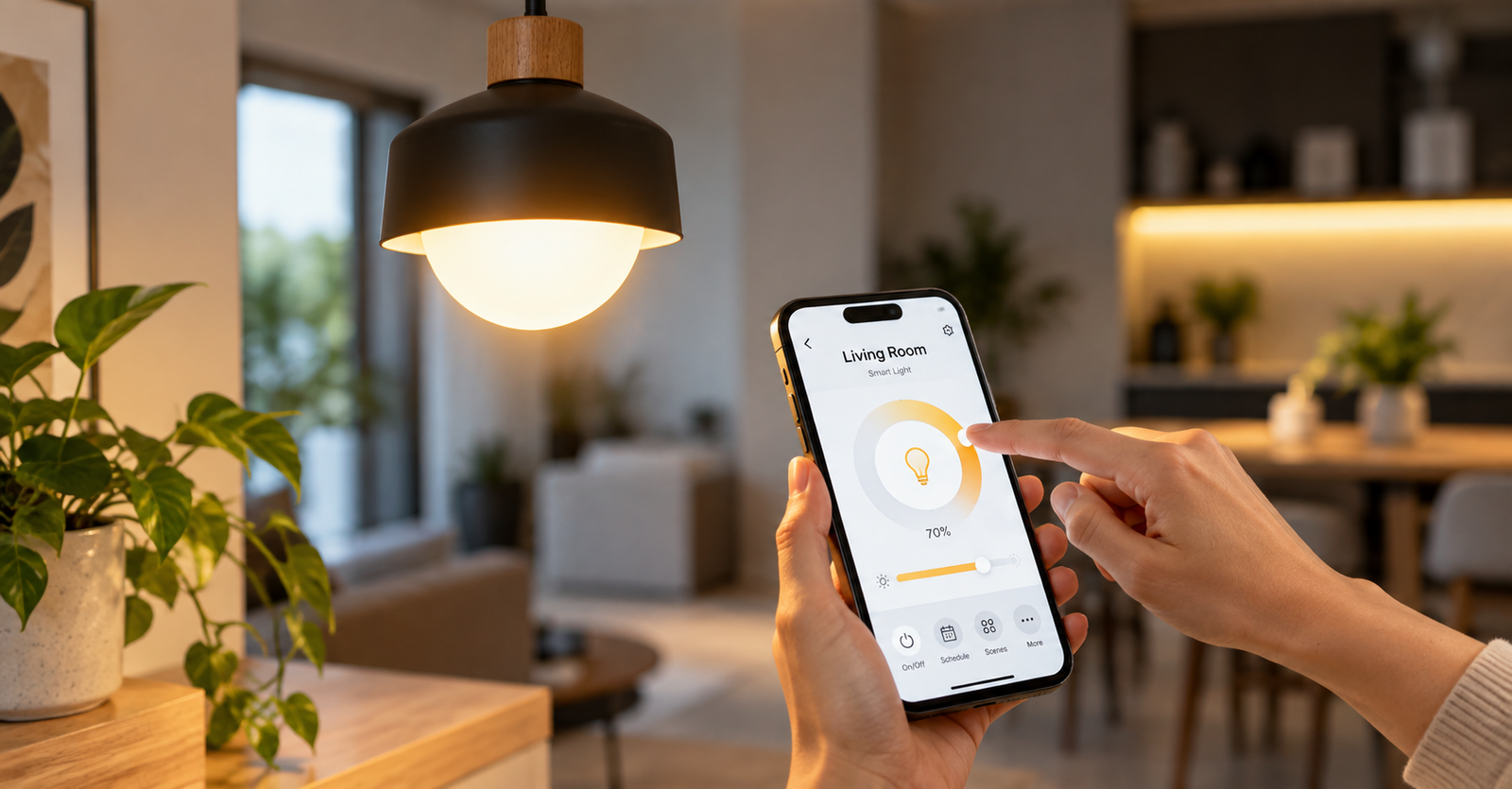
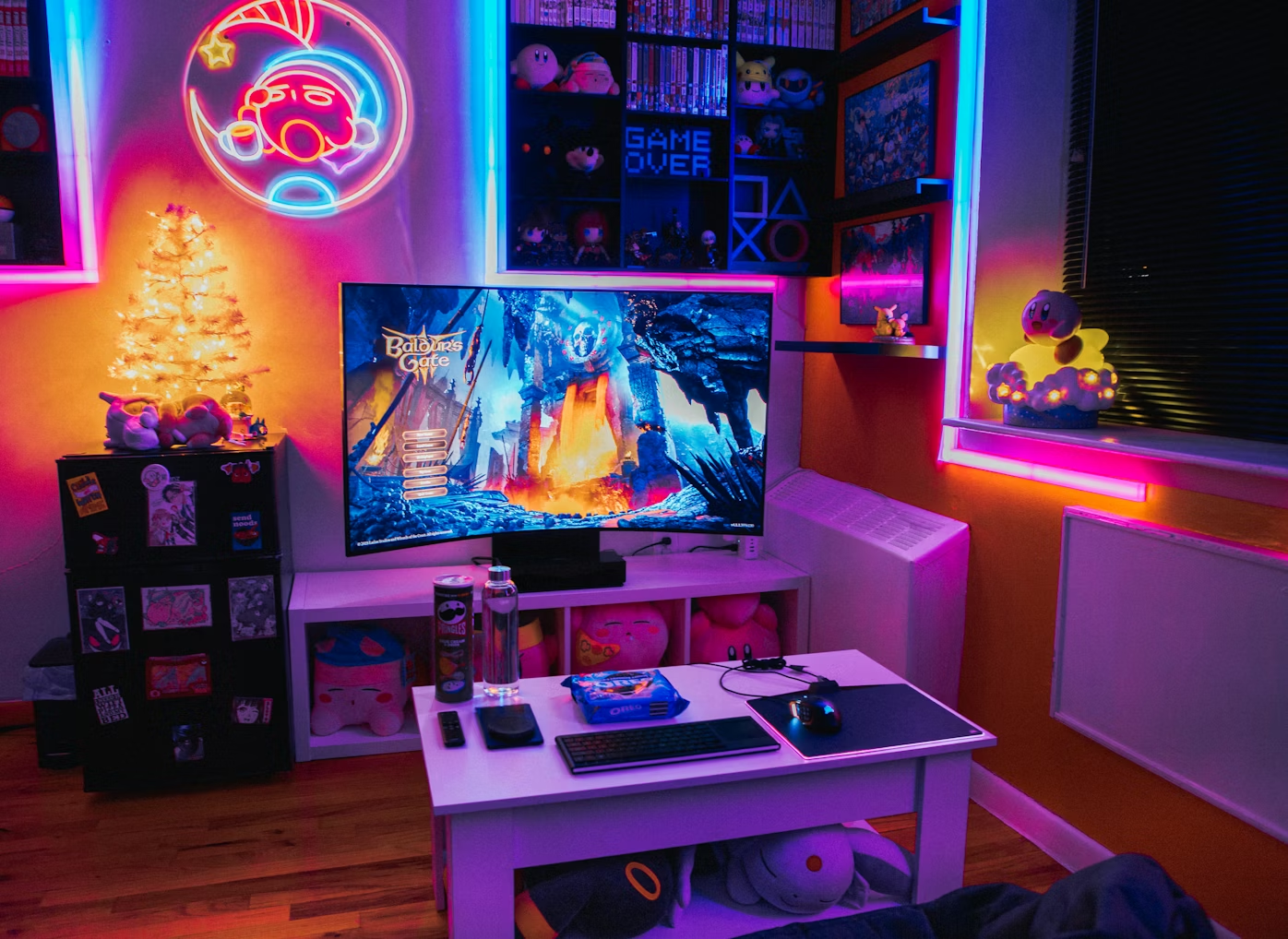
Lighting is one of the easiest ways to upgrade your gaming room. RGB smart lights allow you to customize colors and brightness to match your gaming mood or setup.
Many gamers install smart LED strips behind monitors, desks, or shelves to create ambient lighting that enhances the visual experience.
Some popular lighting ideas include:
- Red lighting for intense action games
- Blue lighting for futuristic or sci-fi games
- Purple or neon colors for cyberpunk-themed setups
- Soft ambient lighting to reduce eye strain
You can also create different lighting scenes, such as:
- FPS Mode: dim lighting with bold colors
- Racing Mode: vibrant, fast-changing colors
- Chill & Cozy Gaming Mode: soft ambient lighting
RGB lighting not only improves immersion but also adds a stylish and futuristic aesthetic to your gaming room.
Voice Command Gaming Mode – One Command to Start Gaming
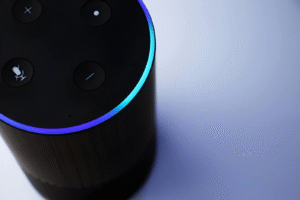
Voice assistants make gaming setups even more convenient. With a simple voice command, you can activate a full gaming automation scene.
For example, you could say:
- “Alexa, start gaming mode.”
- “Hey Google, gaming time.”
This command can automatically trigger multiple smart devices at once.
A typical Gaming Mode automation might include:
- dimming the main lights
- turning on RGB gaming lights
- closing smart curtains
- turning on a smart fan or air-conditioning
- activating gaming room ambience lighting
This allows gamers to prepare their entire room for gaming without leaving their chair.
Smart Curtains for the Perfect Gaming Environment
Sunlight can cause glare on screens, which can affect visibility during gameplay. This is especially noticeable when playing during the daytime.
Smart curtains or motorized blinds help solve this issue by automatically blocking out sunlight.
With smart curtain automation, you can:
- close curtains when gaming mode starts
- adjust curtains using voice commands
- schedule curtains to close during peak gaming hours
Besides improving visibility, blackout curtains also create a darker and more immersive environment for gaming.
Smart Fans and Climate Control for Long Gaming Sessions
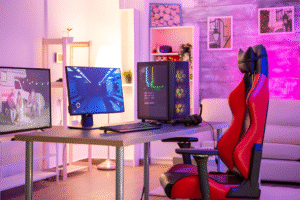
Gaming sessions can easily last several hours, and gaming PCs or consoles often generate heat that can make rooms uncomfortable.
Smart climate control devices help maintain a comfortable gaming environment.
Gamers can automate:
- smart ceiling fans
- smart air-conditioning
- temperature-based automation
For example:
- the fan automatically turns on when the room gets warm
- cooling activates during evening gaming hours
- temperature adjusts during long gaming sessions
A comfortable room temperature allows gamers to stay focused and enjoy longer gaming sessions.
Smart Lighting Scenes for Different Gaming Moods
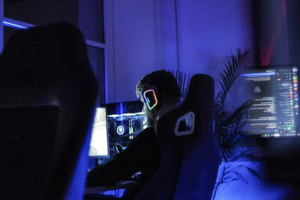
Another fun feature of a smart gaming room is creating different lighting scenes for different gaming activities.
You can easily switch between modes depending on what you’re doing.
Examples include:
Movie Mode
Perfect for cinematic games or watching movies. Lights dim and create a theatre-like environment.
Party Mode
Colorful RGB lights pulse and shift colors during multiplayer gaming sessions.
Night Mode
Soft ambient lighting that reduces eye strain for late-night gaming.
Streaming Mode
Balanced lighting that looks great on camera for gamers who stream or record content.
With automation, switching between these scenes takes only seconds.
Smart Motion Sensors for Automatic Lighting
Motion sensors add another layer of convenience to your smart gaming room.
Instead of manually turning lights on or off, they can activate automatically.
Examples include:
- lights turn on when you enter the gaming room
- desk lighting activates when you sit down
- lights turn off when the room is empty
This feature makes your gaming room feel more futuristic while also helping save energy.
Smart Home Ideas That Impress Your Gaming Friends
One of the best parts of having a smart gaming room is the wow factor when friends visit.
Imagine inviting friends over and saying: “Alexa, start gaming mode.”
Then instantly:
- RGB lights glow around the room
- curtains close dramatically
- ambient lighting turns on
- the entire room transforms into a gaming arena
Other fun ideas include:
- RGB lights that sync with music
- animated lighting scenes for multiplayer sessions
- dramatic lighting effects when starting a game
These features make your gaming room stand out and create a memorable experience.
Why Gamers Are Turning to Smart Home Automation
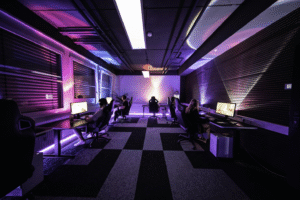
Smart home technology is becoming increasingly popular among gamers for several reasons.
A smart home gaming setup offers:
- better gaming immersion
- convenient voice control
- customizable lighting environments
- improved comfort during long sessions
- stylish and futuristic gaming spaces
As gaming setups continue to evolve, smart home automation is becoming an essential part of creating the ultimate gaming room.
Build Your Smart Gaming Room With AT Smart Home
If you’re planning to upgrade your gaming space, smart home technology can help you create a fully automated and immersive gaming room.
AT Smart Home offers a wide range of smart home solutions, including:
- smart lighting systems
- smart switches and automation controls
- motorized smart curtains
- smart fans and appliances
Whether you’re building a new gaming room or upgrading an existing setup, AT Smart Home can help you design a complete smart home gaming setup tailored to your lifestyle.
Transform your gaming space into the ultimate smart gaming room and experience gaming like never before.
See How We’ve Transformed Homes
Our satisfied clients reflect the quality of our work.
Their success stories speak for themselves – and yours could be next.
Empowering Homes with Leading Partners
We work with the best in smart home technology, turning your dream home into reality.
We bring intuitive solutions to simplify and elevate your everyday living.
















Say Hello To Smarter Living – Get in Touch
Why wait? Transform your home with ease. Our team is here to guide you from start to smart!