Smart homes are designed to make everyday living easier. But like any technology, they perform best when they’re properly maintained.
A few simple maintenance habits can help prevent frustrating connection issues, improve reliability, and keep your devices working together as intended.
Whether you’ve installed smart lighting, automated blinds, security cameras, or a fully integrated home automation system, regular care helps you get the most from your investment.
In this guide, you’ll learn what smart home maintenance involves, why it matters, and the practical steps you can take to keep your automation system running smoothly.
Why Your Smart Home Needs Regular Maintenance
Many homeowners assume that once a smart home system is installed, it simply takes care of itself. While modern automation systems are designed to operate with minimal intervention, they still require occasional maintenance to continue performing reliably.
Your smart home consists of multiple connected devices communicating through your home network. This may include smart switches, sensors, security cameras, voice assistants, smart locks, thermostats, gateways, routers, and control hubs. Every component plays a role in the overall system.
Over time, several factors can affect performance, including:
- Software updates that improve functionality or security
- Changes to your home Wi-Fi network
- Ageing hardware
- Dust accumulation around certain devices
- Battery depletion in wireless sensors
- Network congestion as more connected devices are added
Without regular maintenance, small issues can gradually become larger problems. You might notice delayed automation, devices appearing offline, scenes failing to run correctly, or reduced responsiveness.
Routine smart home maintenance helps identify these issues early before they affect your everyday experience.

Small Checks Today Can Prevent Bigger Problems Later
A number of smart home issues develop gradually. Performing a few regular checks can significantly reduce the chances of unexpected disruptions.
Some simple maintenance tasks include:
1. Keeping Device Software Updated
Manufacturers regularly release firmware updates for smart home devices.
These updates may:
- Improve device stability
- Patch security vulnerabilities
- Fix software bugs
- Enhance compatibility with other devices
- Introduce new features
Most devices allow automatic updates, while others require manual approval through their companion app.
Before updating larger systems, it’s worth checking whether the update notes mention any compatibility requirements, especially if your home automation platform integrates products from multiple manufacturers.
2. Checking Batteries Before They Become a Problem
Many smart home sensors rely on batteries, including:
- Motion sensors
- Door and window sensors
- Water leak detectors
- Smoke alarms with smart connectivity
- Remote controls
A low battery may not immediately stop a device from working, but it can lead to delayed responses or unreliable automation.
Many smart home platforms notify you when battery levels become low. Replacing them promptly helps maintain system reliability.
3. Keeping Devices Clean
Dust and dirt can affect certain smart devices over time.
Examples include:
- Motion sensors becoming less responsive
- Camera lenses producing less clear images
- Smart speakers with blocked microphones
- Ventilation around network equipment becoming restricted
Cleaning devices using manufacturer-recommended methods helps maintain performance while reducing unnecessary wear.
4. Reviewing Your Wi-Fi Network
Your home network is the backbone of your smart home.
If your Wi-Fi experiences interruptions, your automation system may also be affected.
Regularly check:
- Router firmware
- Signal strength throughout the home
- Internet connection stability
- Device placement
- Mesh Wi-Fi performance, if installed
As your smart home grows, your original network setup may no longer provide sufficient coverage.
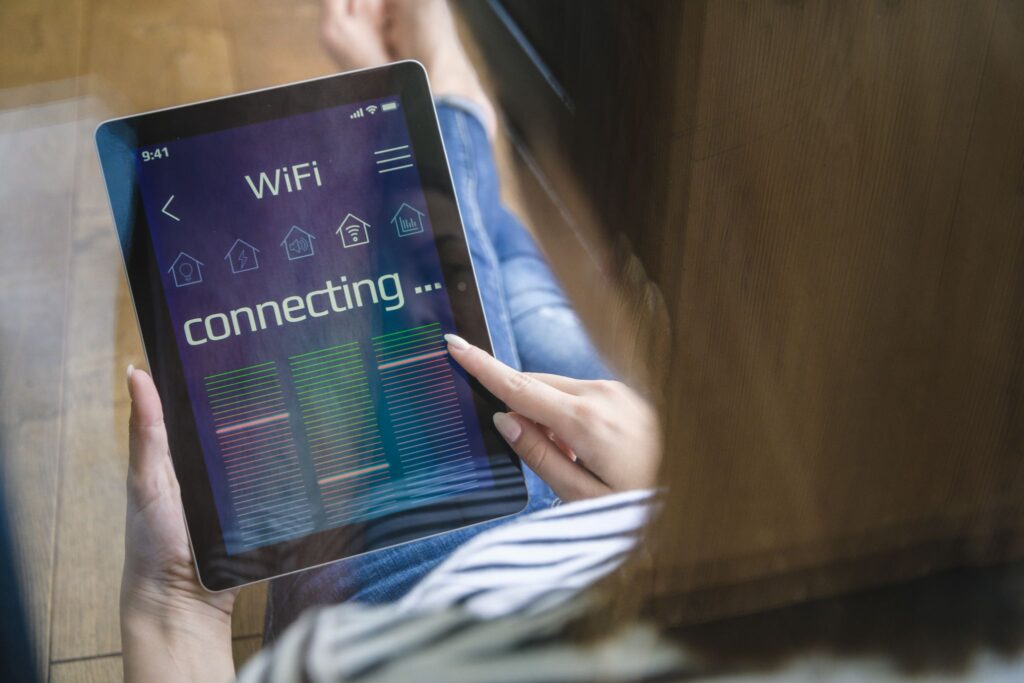
A Strong Home Network Keeps Everything Working Together
When automation becomes unreliable, it doesn’t always mean your smart devices are the problem. Your home network is often the underlying cause.
Every connected device depends on stable communication.
Several factors can affect network performance:
- Too many devices connected to a single router
- Weak Wi-Fi coverage
- Physical obstructions such as concrete walls
- Router hardware that no longer meets current demands
- Interference from neighbouring wireless networks
If devices regularly disconnect or respond slowly, reviewing your network infrastructure is often one of the first places to start.
In larger homes, professionally designed networking solutions or mesh Wi-Fi systems may provide more consistent coverage for connected devices.
Keep Your Automations Working the Way You Intended
One of the biggest advantages of a smart home is automation. Over time, however, your lifestyle may change.
You may have:
- Different daily routines
- New family members
- Renovated parts of your home
- Purchased additional smart devices
- Changed work schedules
These changes can affect whether existing automations still make sense.
It’s worth reviewing your automation rules every few months.
Ask yourself:
- Are scheduled routines still useful?
- Are lights switching on when needed?
- Are security notifications arriving at the right times?
- Are energy-saving automations still aligned with your daily habits?
Updating automations helps your smart home continue supporting your lifestyle instead of creating unnecessary interruptions.

Security is Also Part of Smart Home Maintenance
Smart home maintenance isn’t only about keeping devices operational. It also plays an important role in protecting your connected home.
Good cybersecurity practices include:
- Using strong, unique passwords
- Enabling two-factor authentication where available
- Keeping firmware updated
- Removing devices that are no longer used
- Reviewing account permissions occasionally
- Securing your home Wi-Fi with modern encryption
These simple habits reduce the risk of unauthorised access while helping your smart home remain secure.
For more tips on protecting your connected home, you can also refer to GovTech Singapore’s guide on smart home security.
Spot the Warning Signs Before They Become Frustrating
Your smart home often provides early indicators that maintenance is needed.
Watch for signs such as:
- Devices frequently going offline
- Slow response times
- Automations failing occasionally
- Smart speakers misunderstanding commands more often
- Cameras disconnecting unexpectedly
- Sensors triggering inconsistently
- Mobile app notifications arriving late
These symptoms don’t always indicate faulty hardware. Many are caused by software, networking, battery, or configuration issues that can often be resolved before they worsen.
Professional Maintenance Helps Larger Systems Stay Reliable
As smart homes become more sophisticated, ongoing maintenance becomes increasingly valuable.
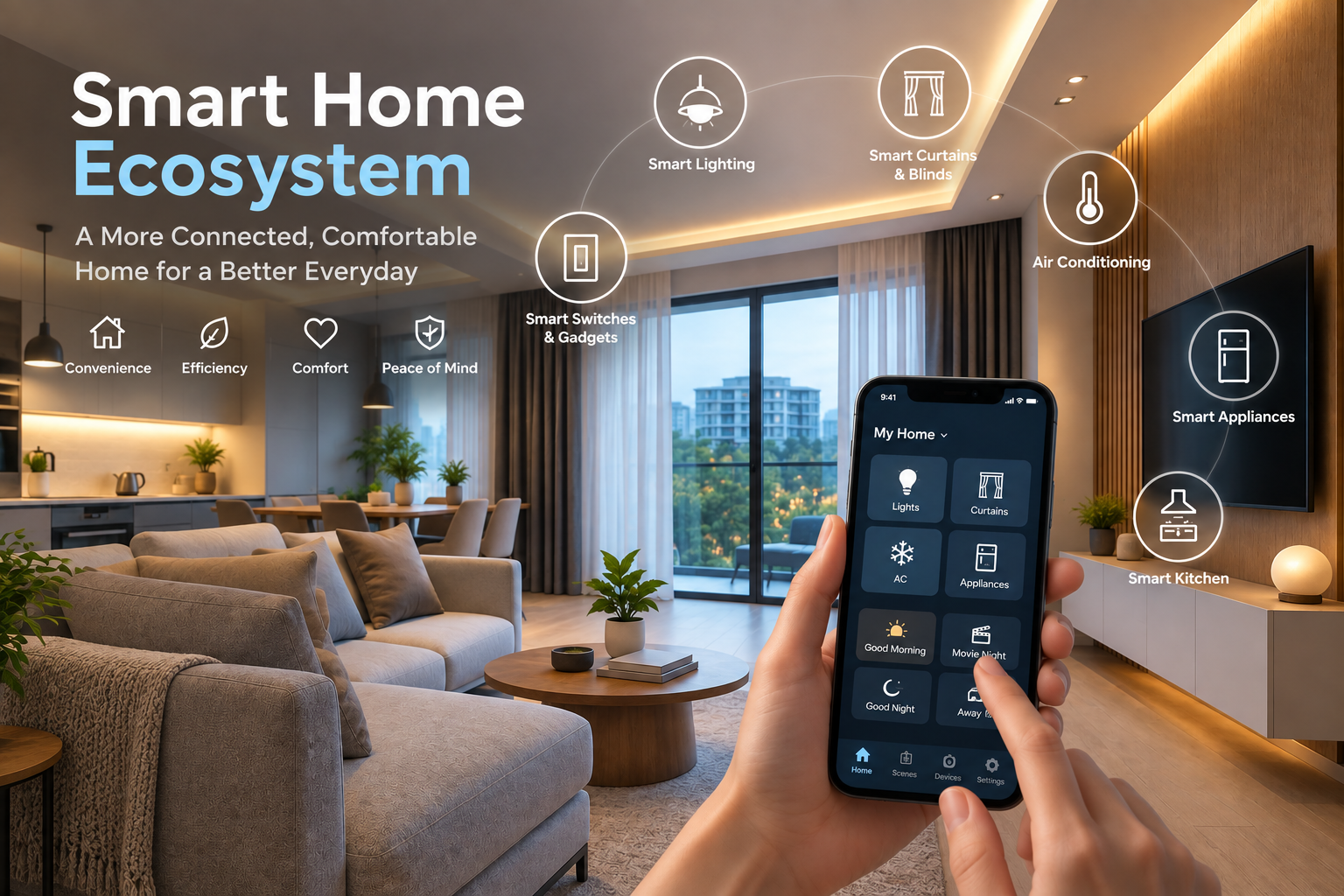
A professionally integrated smart home may include:
- Lighting control
- Motorised curtains and blinds
- Multi-room audio
- Security systems
- CCTV
- Video doorbells
- Air conditioning control
- Smart appliances
- Energy management
- Centralised automation platforms
Because these systems work together, a single issue can sometimes affect multiple devices.
Professional maintenance may include:
- System health checks
- Firmware management
- Network optimisation
- Device diagnostics
- Automation reviews
- Performance testing
- Compatibility assessments when adding new devices
Regular servicing helps ensure your smart home continues operating as efficiently as possible while reducing the likelihood of unexpected disruptions.
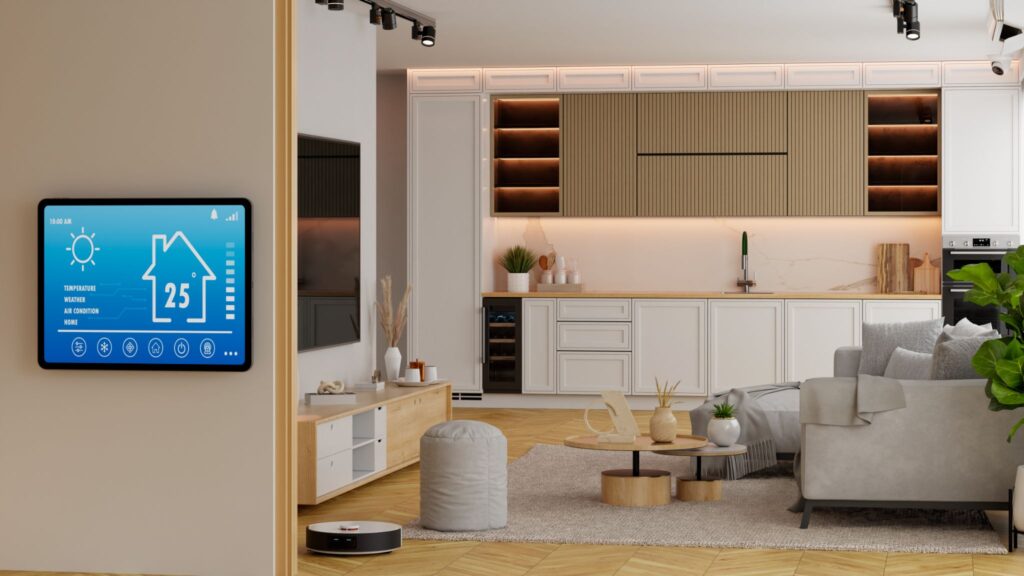
Good Maintenance Helps Your Investment Last Longer
A smart home is an investment in convenience, comfort, security, and everyday living.
Like any valuable system in your home, it benefits from regular care.
Consistent smart home maintenance helps you:
- Improve system reliability
- Reduce avoidable downtime
- Keep devices secure
- Maintain smooth automation
- Extend the lifespan of connected devices
- Adapt your system as your lifestyle changes
The result is a smart home that continues working in the background, making your daily life easier without demanding constant attention.
Keep Your Smart Home Performing at its Best
Regular smart home maintenance helps protect the performance, reliability, and longevity of your automation system. Small checks carried out consistently can prevent larger issues and help every connected device work together as intended.
Whether you’re planning your first smart home, expanding your existing setup, or looking to keep your current system performing at its best, having the right support makes all the difference.
Keeping your smart home performing reliably starts with the right foundation. AT Smart Home can help you build and optimise a system designed for dependable everyday performance. Get in touch via WhatsApp or our online contact form to learn more.